> ## Documentation Index
> Fetch the complete documentation index at: https://agno-v2-agui.mintlify.site/llms.txt
> Use this file to discover all available pages before exploring further.
# Building Workflows
> Define steps, loops, conditions, and parallel execution in workflows.
Workflows are a powerful way to orchestrate your agents and teams. They are a series of steps that are executed in a flow that you control.
## Building Blocks
1. The **`Workflow`** class is the top-level orchestrator that manages the entire execution process.
2. **`Step`** is the fundamental unit of work in the workflow system. Each step encapsulates exactly one executor: an `Agent`, a `Team`, a custom Python function, or a nested `Workflow`. This design ensures clarity and maintainability while preserving the individual characteristics of each executor.
3. **`Loop`** is a construct that allows you to execute one or more steps multiple times. This is useful when you need to repeat a set of steps until a certain condition is met.
4. **`Parallel`** is a construct that allows you to execute one or more steps in parallel. This is useful when you need to execute a set of steps concurrently with the outputs joined together.
5. **`Condition`** makes a step conditional based on criteria you specify.
6. **`Router`** allows you to specify which step(s) to execute next, effectively creating branching logic in your workflow.
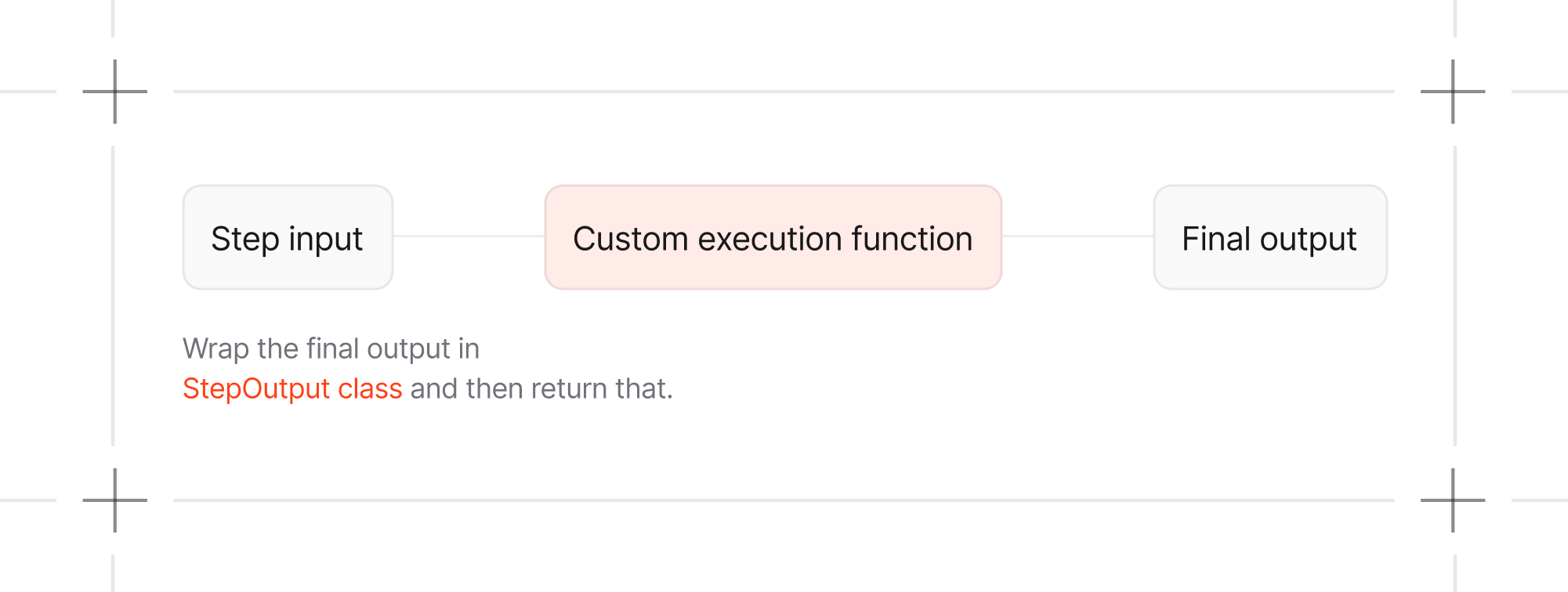
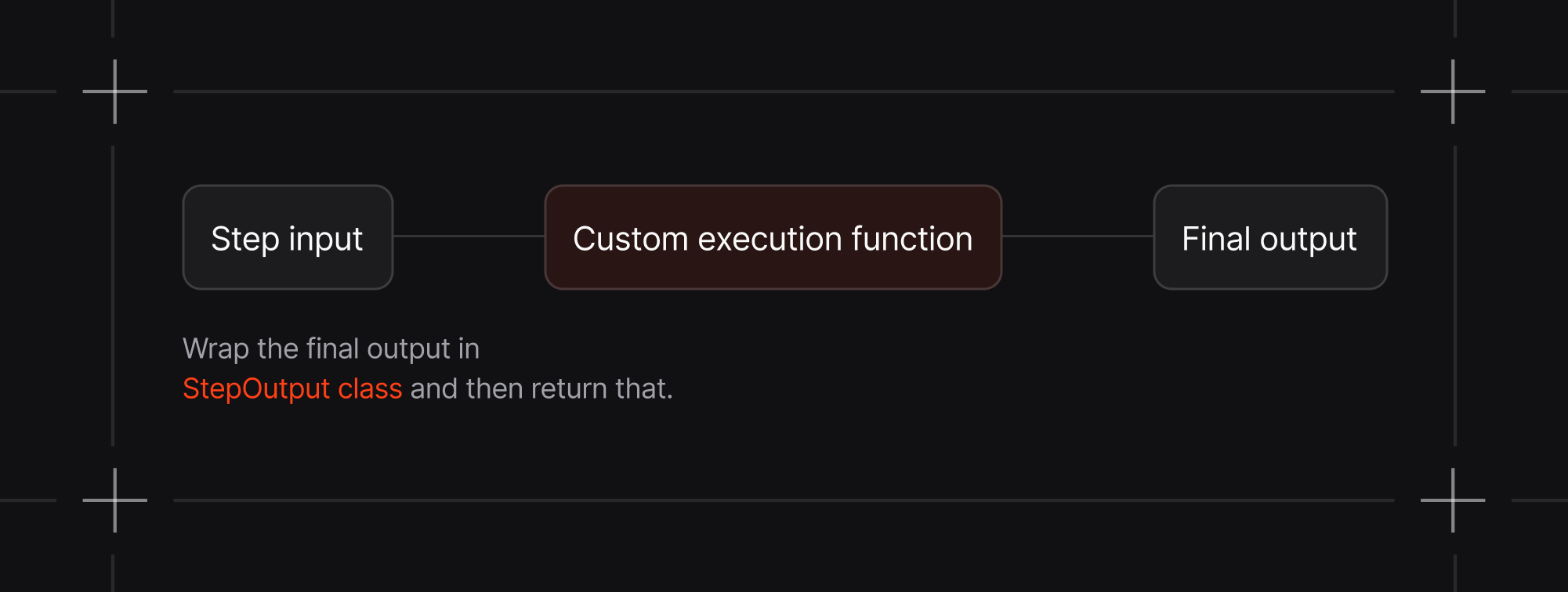
When using a custom Python function as an executor for a step, `StepInput` and
`StepOutput` provides standardized interfaces for data flow between steps:
 ## How to make your first workflow?
There are different types of patterns you can use to build your workflows.
For example you can combine agents, teams, and functions to build a workflow.
```python theme={null}
from agno.workflow import Step, Workflow, StepOutput
def data_preprocessor(step_input):
# Custom preprocessing logic
# Or you can also run any agent/team over here itself
# response = some_agent.run(...)
return StepOutput(content=f"Processed: {step_input.input}") # <-- Now pass the agent/team response in content here
workflow = Workflow(
name="Mixed Execution Pipeline",
steps=[
research_team, # Team
data_preprocessor, # Function
content_agent, # Agent
]
)
workflow.print_response("Analyze the competitive landscape for fintech startups", markdown=True)
```
## How to make your first workflow?
There are different types of patterns you can use to build your workflows.
For example you can combine agents, teams, and functions to build a workflow.
```python theme={null}
from agno.workflow import Step, Workflow, StepOutput
def data_preprocessor(step_input):
# Custom preprocessing logic
# Or you can also run any agent/team over here itself
# response = some_agent.run(...)
return StepOutput(content=f"Processed: {step_input.input}") # <-- Now pass the agent/team response in content here
workflow = Workflow(
name="Mixed Execution Pipeline",
steps=[
research_team, # Team
data_preprocessor, # Function
content_agent, # Agent
]
)
workflow.print_response("Analyze the competitive landscape for fintech startups", markdown=True)
```